A Program for your week
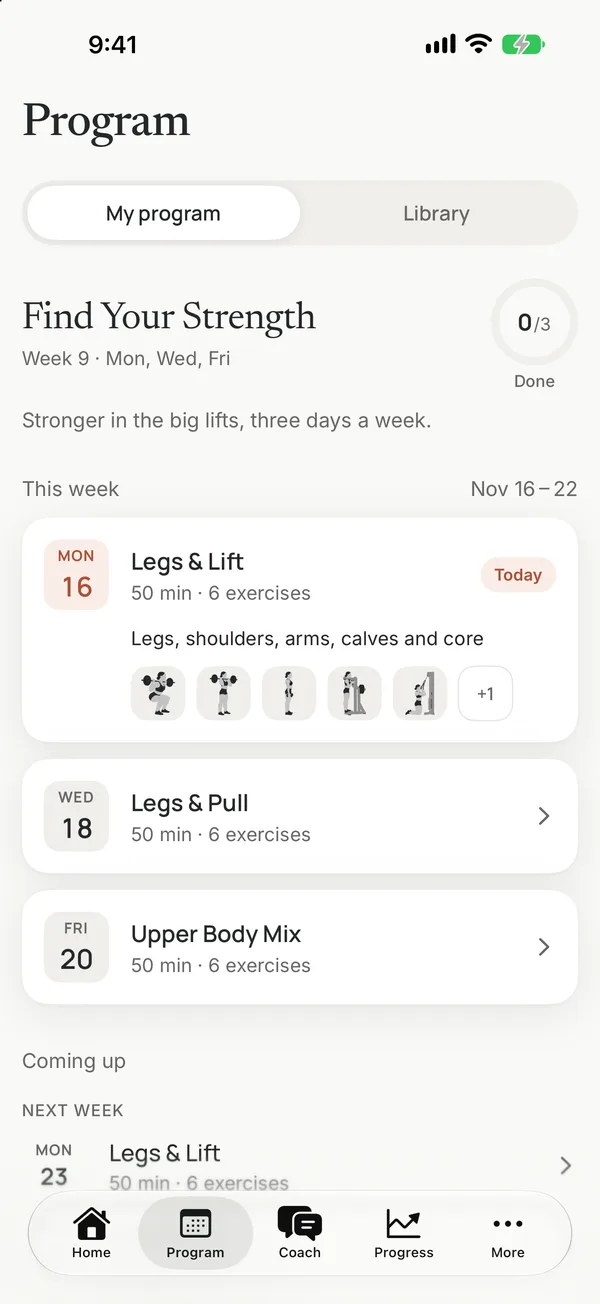
Your goal, experience, place, days and time shape the Program, at the gym, at home or with your bodyweight.
AI Workout Coach
Strength training, coached
Answer five questions and get a Program built for your week. Every day the app tells you exactly what to do, then gets out of the way while you lift.
Calm, clear, consistent
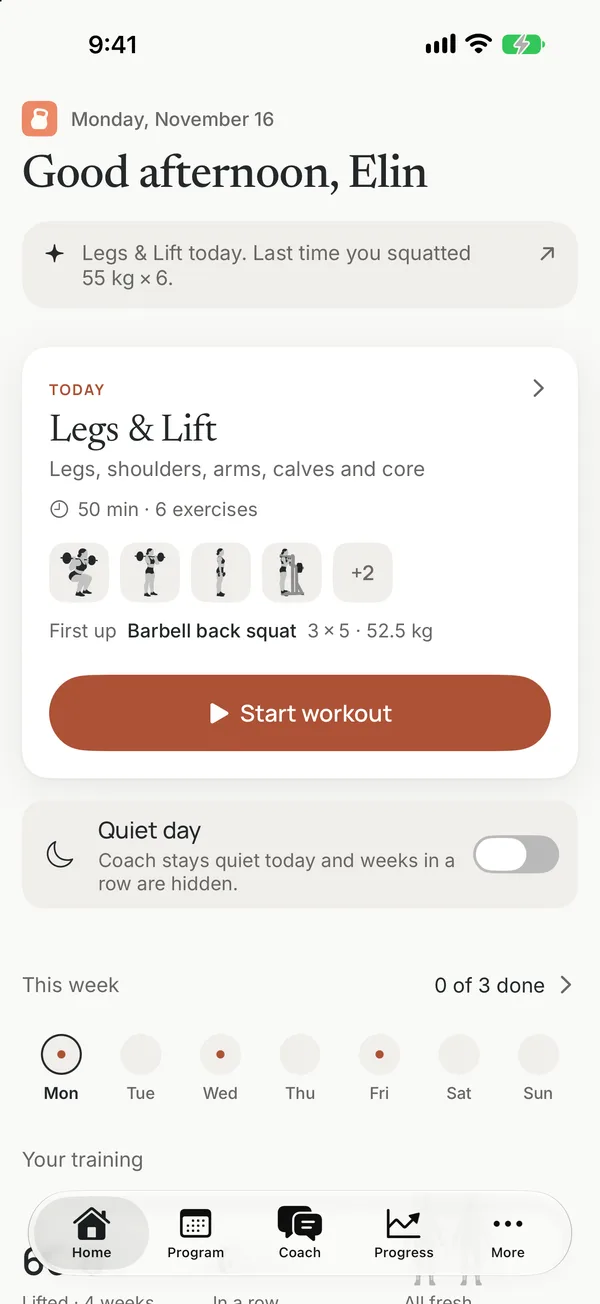
Training remembers the details so every workout starts with what to lift, how many reps and how long to rest.
Your goal, experience, place, days and time shape the Program, at the gym, at home or with your bodyweight.
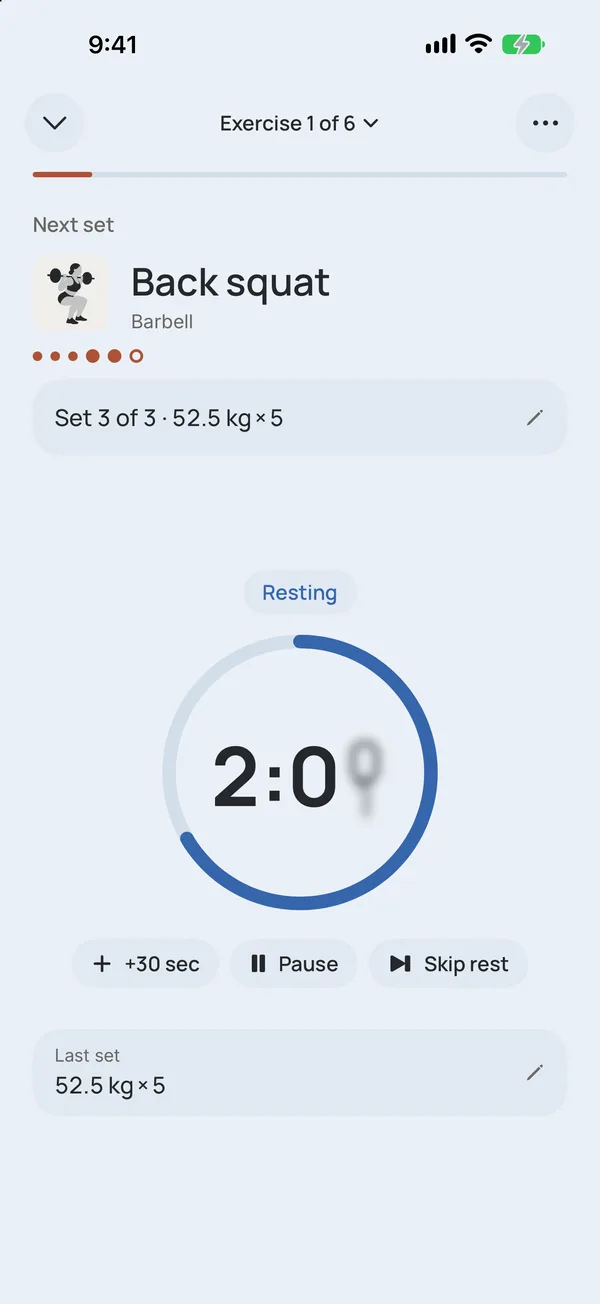
Weights and reps come from your plan and last time. Tap Set done, say how it went, and rest with the timer on your Lock Screen.
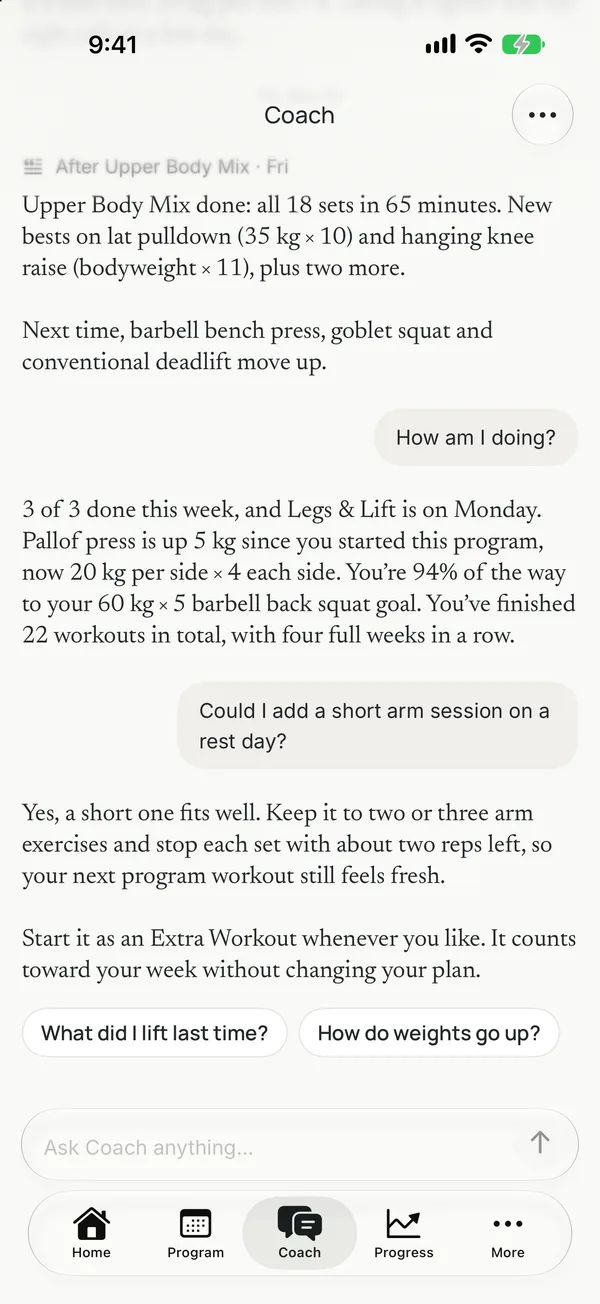
Your weights follow clear training rules. Coach explains them, and any change it suggests waits on a card until you tap Apply.
Inside Training
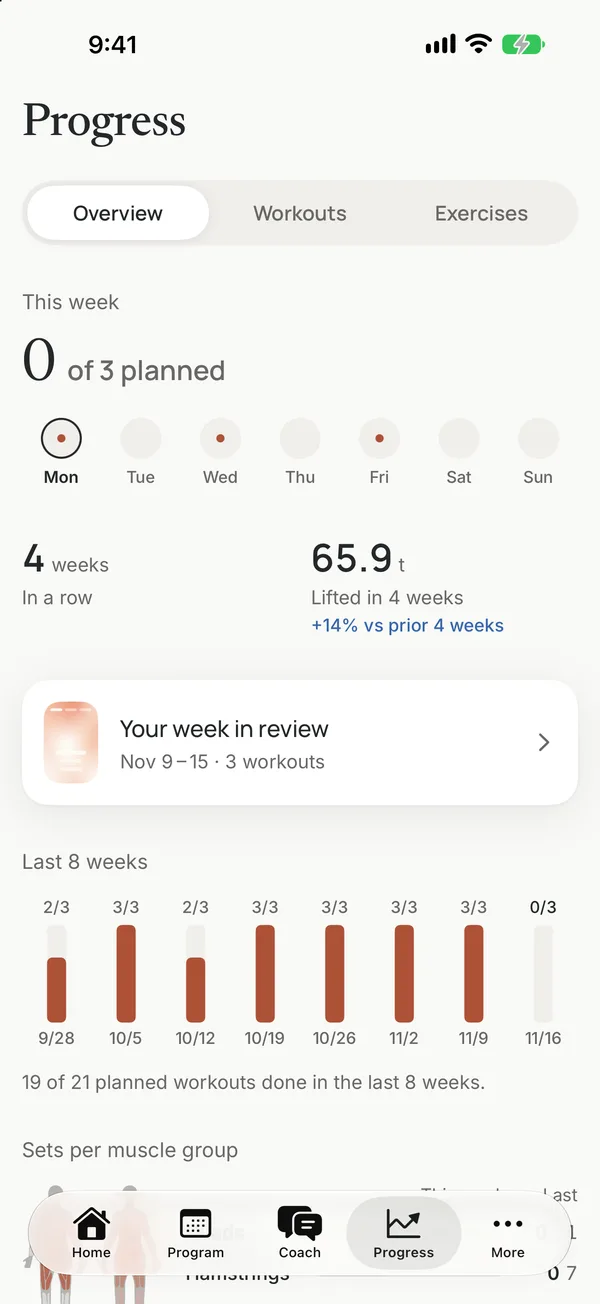
A focused workout flow, a Coach you can write to in any language, and progress you can read at a glance.
How it works
Choose your goal, experience, where you train, how many days and how long. Your Program builds itself and says why it looks that way.
A short warm-up, then each set with its weight and reps filled in. Swap any exercise that doesn't suit you.
When a set goes better or harder than planned, the rest of the exercise follows, and next time starts from what you lifted.
Support
Yes. Your Program, the whole Program library, logging, warm-ups, the rest timer, widgets, progress and three messages to Coach are free. Premium adds Coach without limits, next targets after every workout, check sets that find your starting weights, the readiness check-in, the recovery map, goal forecasts and a weekly recap.
Premium is billed by Apple. Open Settings on your iPhone, tap your name, then Subscriptions, and choose Training. To restore a purchase on a new iPhone, use Restore Purchases on the Premium screen in the app.
No. Your weights come from the app's training rules. Coach explains them, and anything it proposes comes on a card that changes nothing until you tap Apply.
No. Pain and health questions get a fixed reply that suggests talking to a professional. If something hurts, stop the exercise and get advice from a qualified person.
On your iPhone. Coach's server reads typed messages only after you allow it, and you can turn it off at any time. Read the Training privacy policy for details.
Email support@dynamicpaceapp.com.
Your next workout
Download Training and get a Program for your week in under a minute.
 Get Training