Create your account
Use Google or Apple so your web plan and mobile access stay connected.

Color Analysis
Create your Chroma account, complete secure web checkout, then open the app with the same account.
Web checkout is being connected. You can download the app now and subscribe in the app.
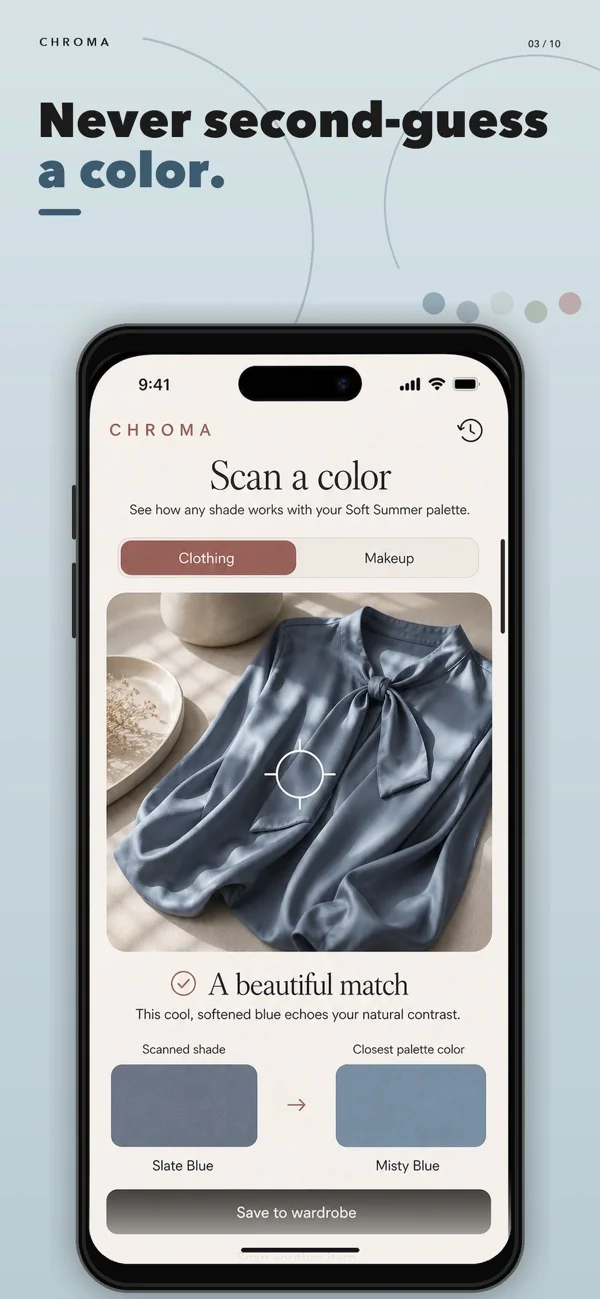
Web checkout is the first part of the journey. Chroma is where you use the result, save your palette, and check colors while you shop.
Use Google or Apple so your web plan and mobile access stay connected.
Choose your plan in RevenueCat's secure, mobile-friendly checkout.
Install the app, sign in with the same account, and start with your personal palette.
Chroma uses three guided photos to explore 12 seasons, then helps you save clothes, makeup, and outfits and discover daily pairings.
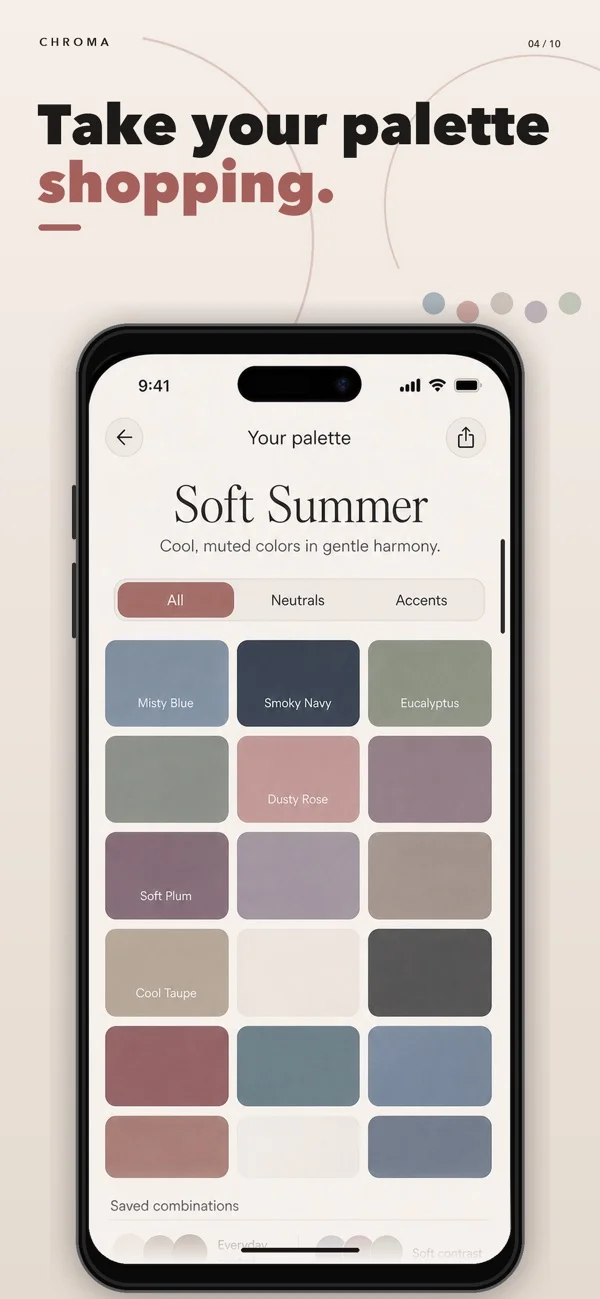
No. You can start on the web, then install Chroma and sign in with the same Google or Apple account.
RevenueCat completes the subscription purchase and sends you back to the app download step. Your access is tied to the account you used in the funnel.
Yes. If you prefer, download Chroma from the App Store or Google Play and subscribe there.
Chroma is free to download. Some analysis and styling features require a subscription.
 Download on the App Store
 Get it on Google Play